Forge
Add custom fields to any Odoo form, no code required.
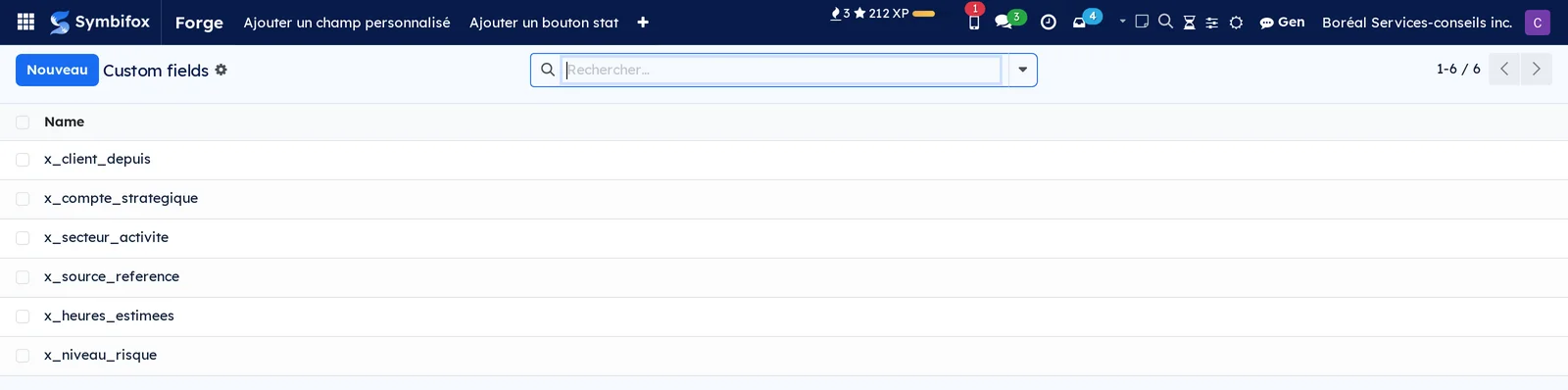
There is always a field missing. A file number used at the client's, a renewal date, a checkbox only your team understands. The usual answer is a development project, for three fields.
Forge stays deliberately narrow: it adds fields to existing forms, and nothing else. It creates no new record type, draws no report, and replaces no bespoke development.
Five objects are enough. The custom field, from text to currency, from date to a link to another record. The view injection, which decides where it shows: form, list, card, search filters. The stat button, which shows a count at the top of a form and leads to the records counted. The default value, per person or per company. The shared filter, offered to the team rather than to its author alone.
⚠️ Forge keeps the description of every addition, then rebuilds what it needs to if an update wipes the underlying wiring. Data entered in a custom field is never touched: that is the difference between a customisation and a change you redo at every version.
The module is named bf_studio_light in the code and on GitHub.
Comparable to An open-source alternative to proprietary customization tools
Shall we look at your case together?
Tell us what you run today. We will tell you honestly whether Symbifox helps or not.
The catalog grows almost every month.
What gets added, what we learn deploying it, and nothing else. You leave whenever you want.
One confirmation email, and nothing before you follow its link. Then 10 welcome emails, one a week, then the updates. No tracker, no resale.