Stopwatch
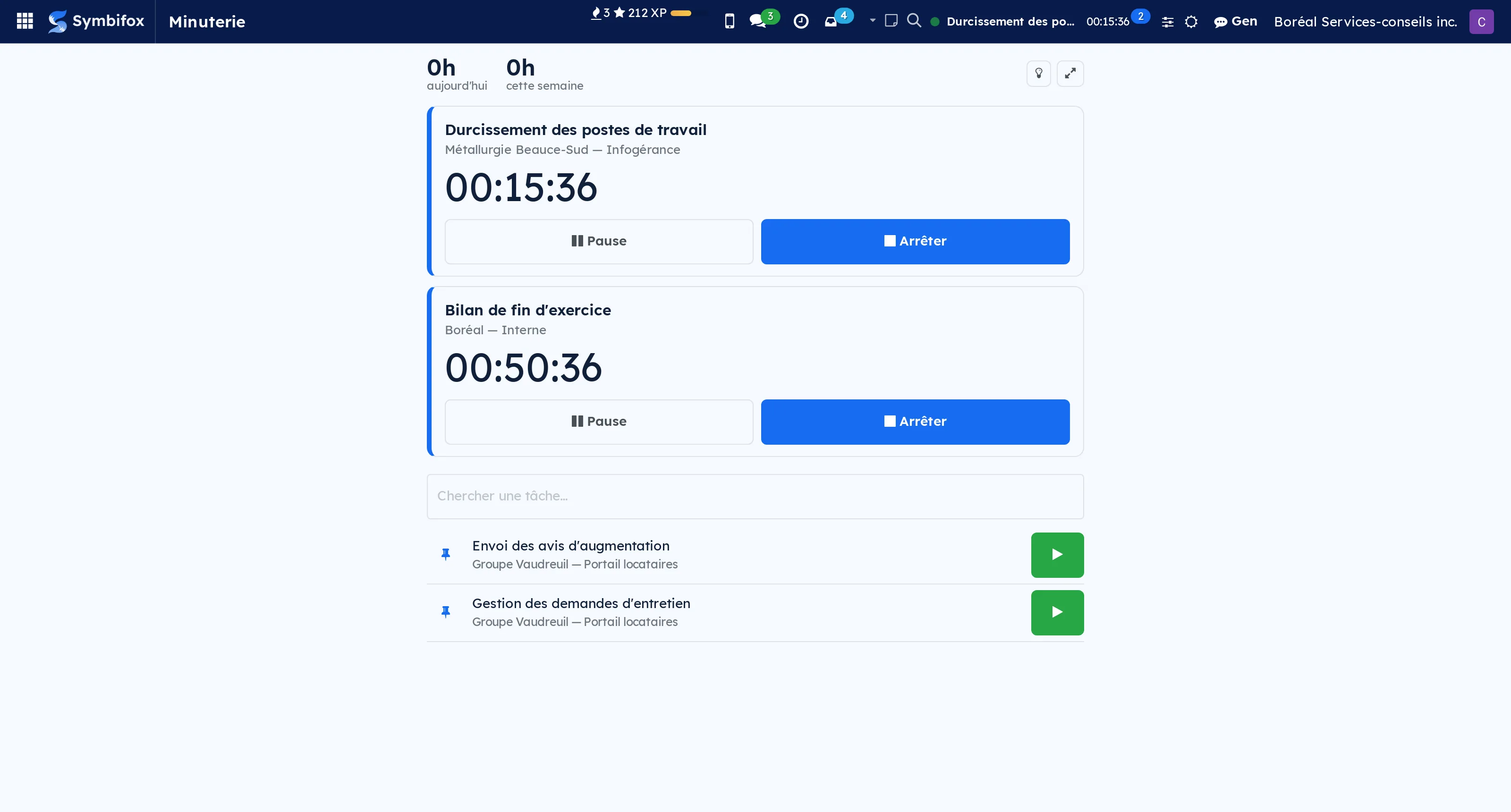
Timesheet timers in the Odoo bar, on a full-screen page and in an Android app.
Time gets written down afterwards, from memory, at the end of the week. It is the best-documented source of error in hourly billing.
A timer starts from any task, from a kanban or from the list of recent tasks. Several can run at once and be paused, because a real day is not a queue.
On stopping, the duration is proposed according to your rounding and the timesheet is written in one gesture. Rounding is set once: billing to the minute produces invoices nobody reads.
The Android app does the same outside the browser, with a persistent notification, a home-screen widget, and sharing a task link to start its timer from an email.
The timer lives in the top bar: it stays visible whatever screen is open, which is the only way not to forget it is running.
Comparable to Toggl or Harvest, natively integrated into Odoo
Shall we look at your case together?
Tell us what you run today. We will tell you honestly whether Symbifox helps or not.
The catalog grows almost every month.
What gets added, what we learn deploying it, and nothing else. You leave whenever you want.
One confirmation email, and nothing before you follow its link. Then 10 welcome emails, one a week, then the updates. No tracker, no resale.