Nextcloud Files
Browse, preview and share your Nextcloud files without leaving Odoo.
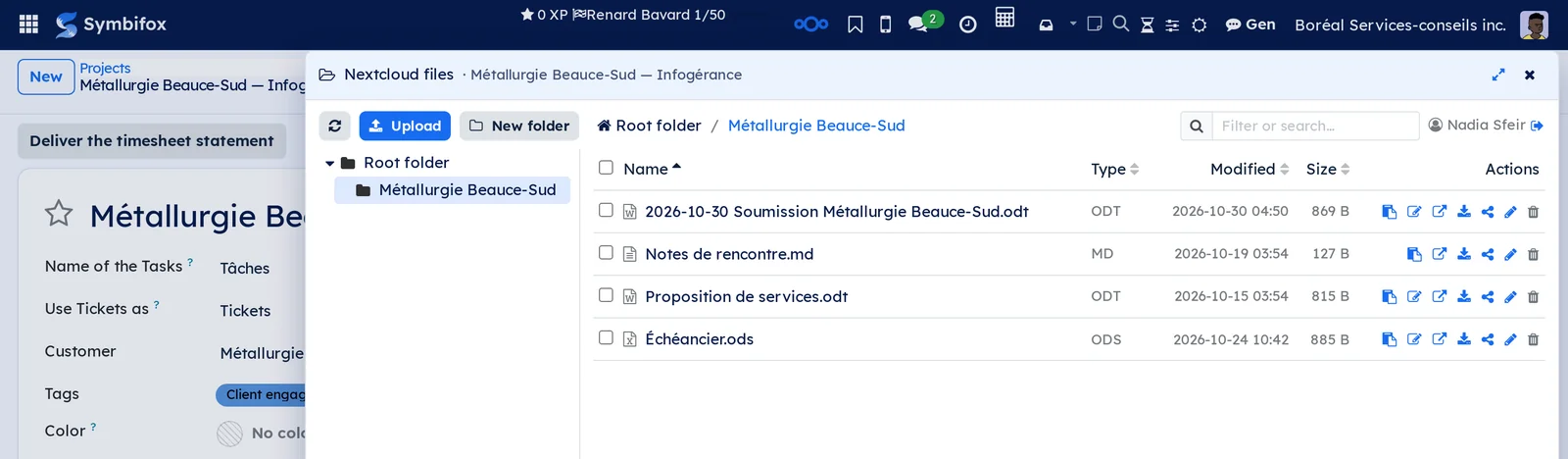
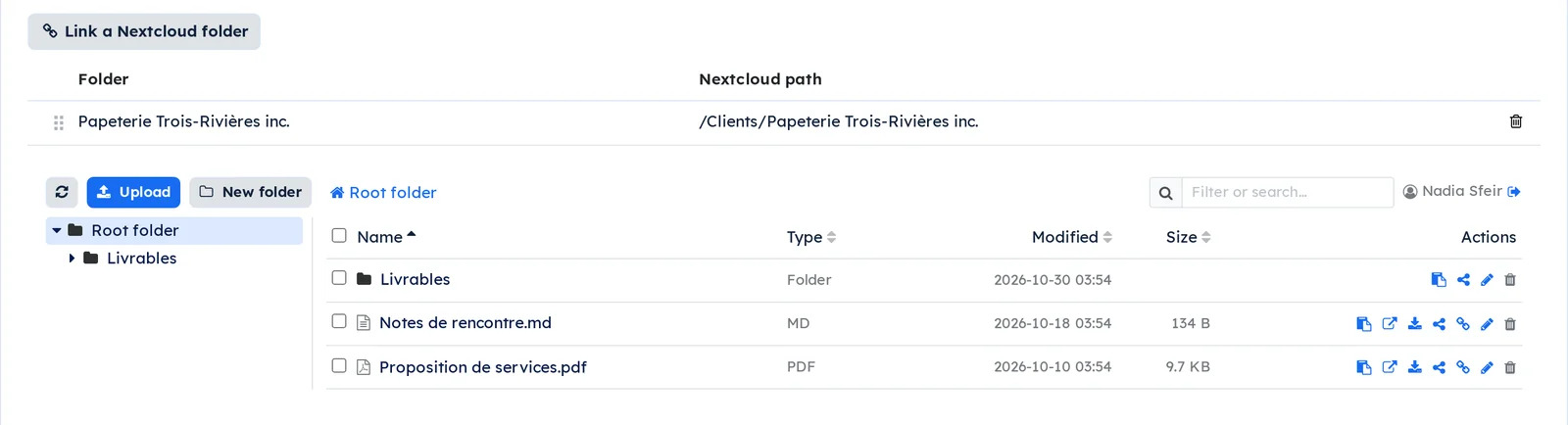
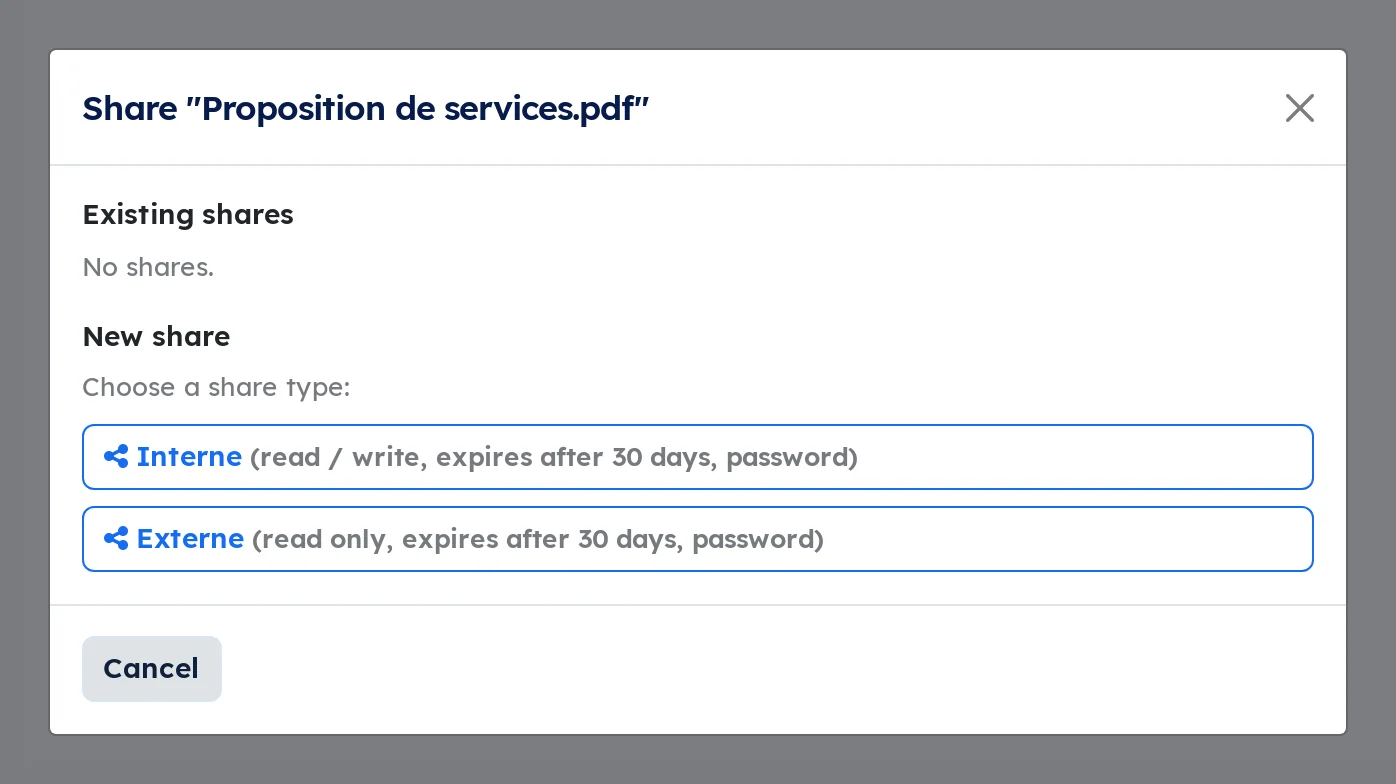
A file lives on Nextcloud, the file it belongs to lives in Symbifox, and the person spends the day between two tabs copying links.
Three doors lead to the same files: a tab on the record of a project or a task, bounded to that record's folder; a full application in the main menu; and a launcher in the top bar that slides the browser over whatever screen you are on.
Folder tree on the left, built-in preview, drag-and-drop upload, moving, configurable share links, office documents opened straight in Nextcloud.
For an organization that files by client: one Nextcloud folder per company, linked once to its record and found again from its contacts, projects and tasks. A button creates a new client's folder from your template, numbered after the existing ones, and the attachments of a thread can be filed into it, copied without ever overwriting an existing file.
⚠️ Each person browses with their own Nextcloud account, connected once through your organization's authentication. Nextcloud therefore applies its own permissions, and every share carries the name of whoever created it. A browser going through a service account would show everyone everyone else's folders.
Symbifox does not replace Nextcloud: your files stay with you, on your server.
Comparable to SharePoint's file explorer, on your own Nextcloud
Shall we look at your case together?
Tell us what you run today. We will tell you honestly whether Symbifox helps or not.
The catalog grows almost every month.
What gets added, what we learn deploying it, and nothing else. You leave whenever you want.
One confirmation email, and nothing before you follow its link. Then 10 welcome emails, one a week, then the updates. No tracker, no resale.