Live Session
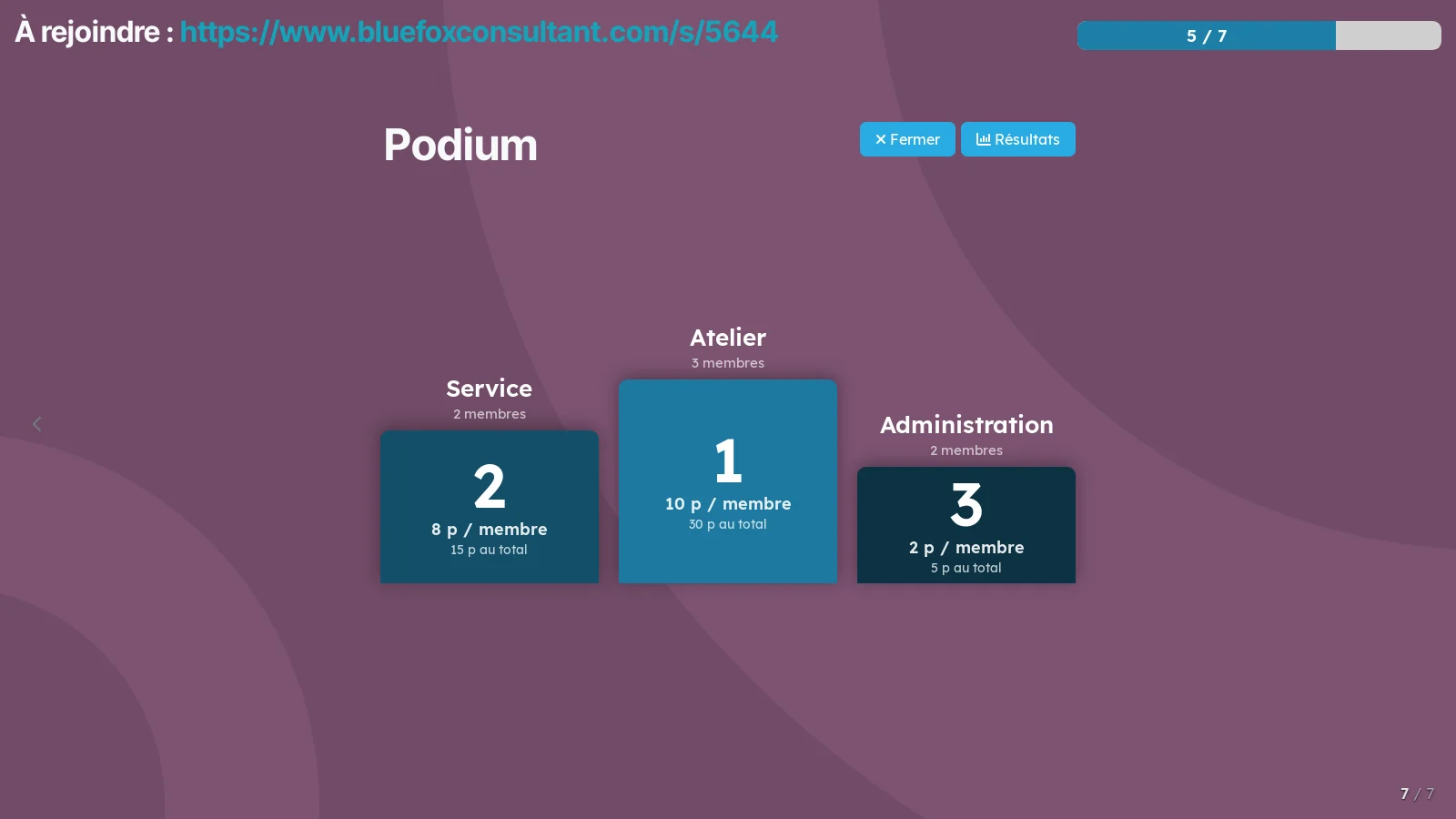
A workshop run from Odoo: the room answers on their phones, the projected screen carries the deck, the word cloud, the teams and the podium.
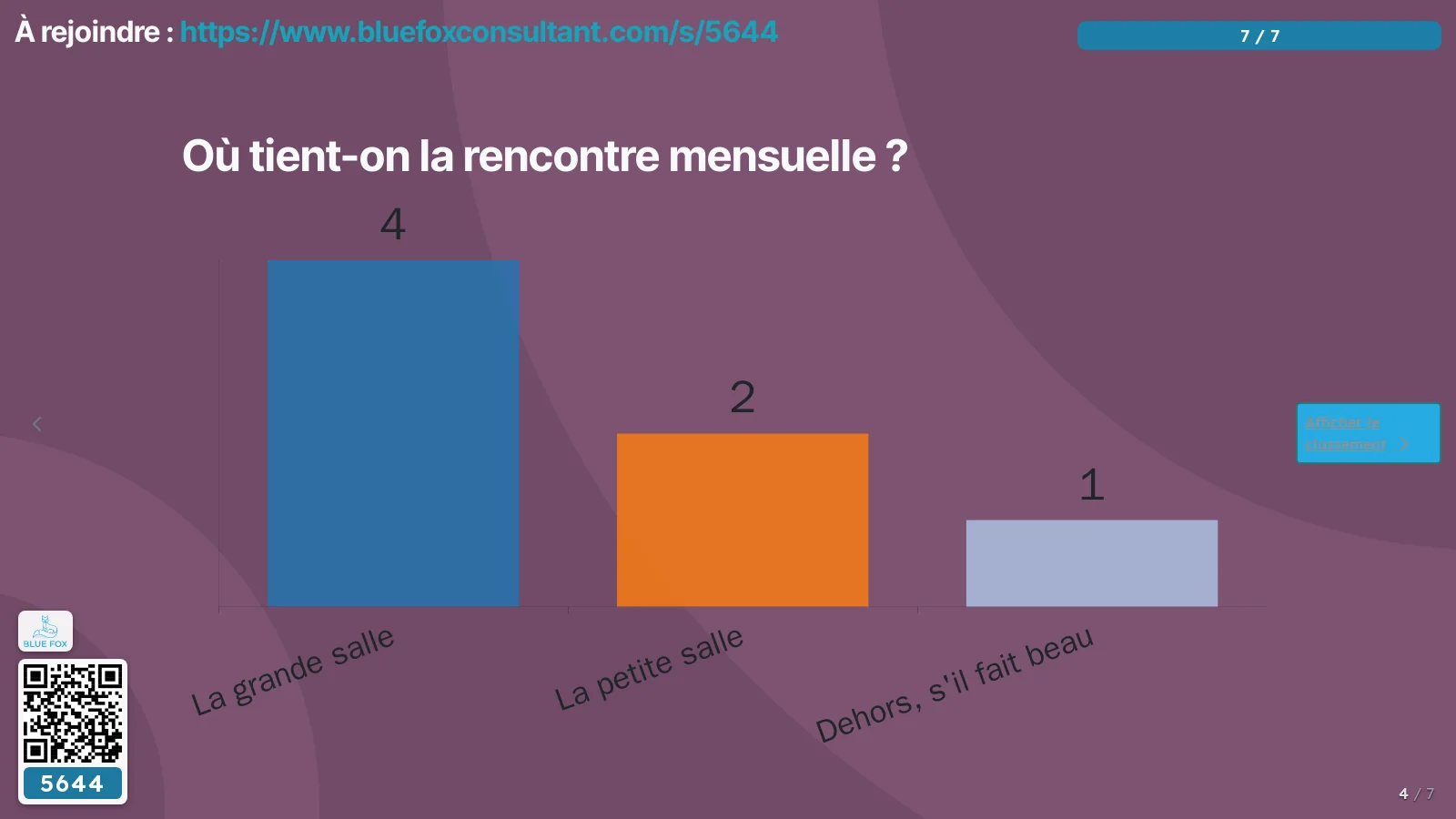
A workshop still runs on three tools: the slides in one program, the poll in an online service, and the results retyped afterwards. The room's answers end up with a third party, and the deck knows nothing about the questions it carries.
Here everything comes from the Odoo survey you already have. A section you give a layout to becomes a projected slide between the questions: title, text, image, image and text, quotation. The room joins with a four-digit code and answers on their phones, with no account and no app to install.
The projected screen carries what the survey alone does not show: a word cloud counted on the server, the written answers to a long text or a number, teams and a podium in your own colours. Teams can be born from a question: “which department?”, and answering joins you to one.
⚠️ Teams are ranked by average per member, with the total shown beside it. Ranking by total would hand victory to the largest department, which is not a game.
⚠️ The join code stays on screen, bottom left, with its QR code and your logo. Odoo projects the QR code on the welcome screen and never again: from the first question on, whoever arrives late has nothing left to scan. The card steps aside during the leaderboard and the podium, because that is the picture people photograph at the end of a workshop.
The answers stay in your own instance, and people stay anonymous: a session is joined with a nickname and nothing else.
Comparable to Kahoot or Mentimeter, on your own data
1 add-on module
Séance en direct: le socleLa palette projetée, le calcul de contraste et la rampe de la marque, partagés par les écrans de séance
La palette projetée, le calcul de contraste et la rampe de la marque, partagés par les écrans de séance
Shall we look at your case together?
Tell us what you run today. We will tell you honestly whether Symbifox helps or not.
The catalog grows almost every month.
What gets added, what we learn deploying it, and nothing else. You leave whenever you want.
One confirmation email, and nothing before you follow its link. Then 10 welcome emails, one a week, then the updates. No tracker, no resale.