

Part 5 · People and team
Celebrations
Group greeting cards signed through a link or a QR code, a calendar of occasions, and the celebrated person's consent before any date appears.
Watch it
Célébrations (celebrations) gets the whole office to sign a birthday, work anniversary, farewell or congratulations card, without any signer having to create an account. The celebrated person decides first, in Mes célébrations (my celebrations), whether their date appears and whether a card may be put together for them. Until they answer, nothing happens. A calendar of occasions warns the organizer ten days ahead, and the card goes out by itself on the chosen date, with a PDF and a keepsake page. The application is for the whole team, who answer and sign, and for the people who organize cards.
Overview#
Seven concepts are enough.
- The celebration profile: each person's answer, given once in Mes célébrations. Four answers are possible: pending, yes with a board, yes but without a board, no thanks. You enter the day and the month, never the year.
- The occasion: a date in the calendar (birthday, work anniversary and its milestones) or a moment with no date (welcome, farewell, retirement, congratulations, get well, condolences, milestone at a client).
- The group card, called a tableau de vœux (wish board) on screen: the page where people sign, reached through a link or a QR code.
- The message: a few words, a photo or a GIF, typed or drawn by hand, signed with a name.
- The signer group: people, departments or contacts who each receive the link once. It can be reused from one card to the next.
- The delivery: the moment when the celebrated person discovers their card, by email, with a PDF and a keepsake page to keep.
- The thank-you: the message the celebrated person sends back to the signers afterwards.
Two rules set this approach apart. The date comes from the person, never from the human resources file: the application does not read the birth date in the employee record, it asks. And the surprise is enforced by access rights: the celebrated person does not see their card before delivery, whatever the path (list, search, export).
People and departments come from Employees, and celebrated contacts outside the organization from Contacts. Cards can be announced in a Discuss channel, and an optional mirror places the dates in Calendar.
The most telling screen is the one where everything starts: Mes célébrations, the person's answer.

Configuration#
Access and permissions#
Two groups, chosen in the Célébrations section of a user's record (Settings › Users & Companies › Users).
| Group | What it opens |
|---|---|
| None (any internal user) | Mes célébrations, the Calendrier (calendar) and the open Cartes collectives (group cards), to sign and follow along. Nobody ever sees their own board before delivery, or anyone else's profile. |
| Organiser des cartes (organize cards) | Creates occasions and cards, maintains the Groupes de signataires (signer groups), invites, moderates, delivers. A card's Signataires (signers) tab is reserved for this group. |
| Configurer les célébrations (configure celebrations) | Everything above, plus the Célébrations section of the Settings. |
The Configuration › Profils (dépannage) (profiles, troubleshooting) menu is visible only to the Symbifox administrator.
Settings#
Open Settings, then the Célébrations section.
| Setting | Effect |
|---|---|
| Prévenir la personne qui organise (jours avant) (warn the organizer, days ahead) | Delay of the reminder that carries the button to create the card. |
| Horizon du calendrier (jours) (calendar horizon, days) | How far ahead upcoming occasions are placed. |
| Un tableau est mince en deçà de (messages) (a board is thin below, messages) | Threshold of the “thin board” reminder. |
| Relancer un tableau mince (jours avant livraison) (remind about a thin board, days before delivery) | When that reminder goes out. |
| Effacer les cartes livrées après (mois) (delete delivered cards after, months) | 0 keeps everything. Otherwise, a card delivered longer ago than that is deleted with its messages and images; the celebrated person already has their copy. |
| Plafond d'invitations par envoi (invitation cap per send) | Beyond it, the send is refused rather than flooding the email queue. Split the group. |
| Poser les célébrations dans l'agenda Odoo (place celebrations in the Odoo calendar) | Off by default. When checked, dates accepted with a board appear in the calendar, and therefore on synced phones; never the dates of people who chose discretion. |
| Personne qui organise par défaut (default organizer) | Used when the celebrated person has no manager. |
| Canal où annoncer les cartes (channel where cards are announced) | Discuss channel where open cards are announced. |
Base data#
Nothing is required: occasions come from the answers people give themselves. Three steps prepare the ground.
- Create one or two Groupes de signataires (one per department, for example).
- Choose the Personne qui organise par défaut in the Settings.
- Ask the person who administers Symbifox to activate the scheduled action “Célébrations : inviter à répondre” (invitation to answer), which ships disabled, so that everyone receives a single invitation to answer. Without it, invite the team to open Mes célébrations with a message.
Getting started#
This walkthrough runs on the Boréal demo, signed in as Camille Tremblay. Every screen starts out empty: you are the one who fills them.
- Open Célébrations › Mes célébrations. Your profile opens.
- In Ce que je souhaite (what I would like), choose “Oui, avec un tableau” (yes, with a board). Enter Jour and Mois (day, month), check Souligner aussi mon anniversaire d'embauche (also mark my work anniversary), then select Save.
- Go to Calendrier and select New. Choose the Type “Félicitations” (congratulations), a Personne soulignée (celebrated person) among your colleagues and an Intitulé (title), with no date. Select Save.
- Select Créer la carte (create the card). A card opens, already filled in: title, celebrated person, you as the organizer, scheduled delivery.
- Choose a Thème (theme), write the Mot d'introduction (opening message), then select Ouvrir aux signatures (open for signatures).
- Select Voir la page (view the page). The public page opens: write a message, sign it with your name and publish it.
- Go back to the card: the Signatures tab shows your message. Select Livrer maintenant (deliver now). Your colleague receives the card by email, with the PDF and the keepsake page.
Common tasks#
Answer the invitation#
Each person answers once, and can change their mind whenever they like.
- Open Célébrations › Mes célébrations.
- In Ce que je souhaite, choose “Oui, avec un tableau”, “Oui, mais sans tableau” (yes, but without a board) or “Non merci” (no thanks).
- Enter the Jour and the Mois; the year is not asked for.
- Check Souligner aussi mon anniversaire d'embauche if you want it marked.
- Optional: enter an Adresse personnelle où garder mes cartes (personal address where I keep my cards).
- Select Save.
Your date appears in the calendar at the next daily run, if you said yes. “Non merci” removes you from everything at once: occasions deleted, open cards cancelled, and never an invitation again.
Create an occasion#
Birthdays and work anniversaries are placed automatically. Other occasions are created by hand, with or without a date. Reserved for the Organiser des cartes group.
- Open Célébrations › Calendrier, then select New.
- Choose the Type: welcome, farewell, retirement, congratulations, get well, condolences, or a work anniversary milestone.
- Choose the Personne soulignée, or the Contact souligné (celebrated contact) for a milestone at a client.
- Enter the Intitulé and, if the moment has a date, the Date.
- For seniority, enter the Nombre d'années (number of years).
- Choose the Personne qui organise (organizer), then select Save.
The occasion stays upcoming until its card is delivered, or until you mark it as past.
Create the card for an occasion#
The reminder received ten days ahead carries the button; so does the occasion form.
- Open the occasion, from the reminder or from Célébrations › Calendrier.
- Select Créer la carte.
- Complete the card as described in Prepare a group card.
The button does not appear if the person answered “Oui, mais sans tableau”: Tableau permis (board allowed) is then cleared on the occasion.
Prepare a group card#
The card gathers the messages; preparing it takes a few minutes. Reserved for the Organiser des cartes group.
- Open Célébrations › Cartes collectives, then select New, or start from an occasion.
- Enter the Titre (title); choose the Personne fêtée (celebrated person) or the Contact fêté (celebrated contact), and if needed the Nom affiché (display name) and the Courriel de livraison (delivery email).
- Choose the Thème among the four offered and, if needed, an Image de fond (background image).
- In the Mot d'introduction tab, write what people will read when they arrive.
- Review Livraison prévue (scheduled delivery): the celebrated person sees nothing before that moment.
- Check Approuver les messages (approve messages) if you want to review each message before it appears, and Accepter les images (accept images) for photos and GIFs.
- Select Save.
The card exists as a draft. The celebrated person is immediately removed from the followers of its chatter, the message thread at the bottom of the form, and does not see it.
Open the card for signatures and share the link#
An open card becomes a public page for anyone who has the link.
- Open the card and select Ouvrir aux signatures.
- Copy the Lien à partager (link to share), or print the Code QR (QR code) for the kitchen.
- Select Voir la page to check how it looks.
- Share the link wherever you like: email, team channel, poster.
If an announcement channel is set, the card is announced there. Signer groups receive the link when the card opens, once each.
Create a signer group#
A group saves you from re-entering the same people for each card. Reserved for the Organiser des cartes group.
- Open Célébrations › Groupes de signataires, then select New.
- Enter the Nom (name).
- Add Personnes (people), Services (departments, meaning all their active members, read at sending time) or Contacts outside the organization.
- Enter a Note if needed, then select Save.
The Adresses (addresses) counter shows how many people will receive the link. The celebrated person is always removed, even when they belong to the department.
Invite the signers#
Invitations go out when the card opens. Inviter les signataires (invite the signers) is for sending a reminder or adding people.
- Open the card, Signataires tab.
- Add Groupes de signataires or Autres signataires (other signers) for this card only.
- Select Inviter les signataires.
Each address receives the link only once, even if it appears in two groups. The chatter records a number of people invited, never names: the celebrated person reads it after delivery.
Sign a card#
No account is needed: the link or the QR code is enough.
- Open the link you received. The page shows the opening message and the messages already posted.
- Write your message, or draw it with your finger, a stylus or the mouse in the drawing area provided.
- Optional: check the handwriting display, or add a photo or a GIF.
- Enter your name in the signature, then publish.
Your message appears on the page, or waits for approval if the organizer moderates. The drawing is kept as vector strokes: it stays sharp in the PDF and takes the theme's colour.
Moderate the messages#
A public link is still a public link. Moderation happens on the card, by the organizer.
- Open the card, Signatures tab.
- Open a pending message and publish it, or remove it.
The Mots (messages) and Mots visibles (visible messages) counters update. A message's origin address is kept until the card is deleted, so that abuse can be traced.
Deliver a card#
Delivery happens by itself at the scheduled time; Livrer maintenant brings it forward.
- Open the card and review the Signatures tab.
- Select Livrer maintenant, or wait for Livraison prévue.
The celebrated person receives an email with the link to their card, and the PDF and the keepsake page as attachments. The personal address given in their profile receives the same. On the delivered card, an envelope opens under confetti, once per browser; “Rejouer l'ouverture” (replay the opening) brings it back.
Show the slideshow#
For the kitchen screen or the team call.
- Open the card and select Diaporama (slideshow).
- Switch the window to full screen.
The messages fade in one after another, with their images.
Cut off a link that leaked#
If the card's link circulates outside the office, a new link replaces the old one.
- Open the card and select Couper le lien (cut the link).
- Share the Lien à partager again, then select Inviter les signataires.
The old link leads nowhere. The messages already posted stay.
Cancel a card#
- Open the card and select Annuler (cancel).
The card is no longer reachable and will not be delivered. A “Non merci” from the celebrated person cancels the open cards in their name by itself.
Thank the signers#
Reserved for the celebrated person, from the link sent to them at delivery.
- Open the link received in the delivery email.
- Write your message in the thank-you form and send it.
The thank-you appears on the card and on the closed signing page. It is sent once by email to the people invited, to those who signed while signed in, and to the organizer. People who came through the QR code read it on the page.
Mark an occasion as past#
An occasion without a date does not close by itself.
- Open Célébrations › Calendrier and open the occasion.
- Select Marquer passée (mark as past).
The occasion leaves the list of upcoming occasions.
The menus, one by one#
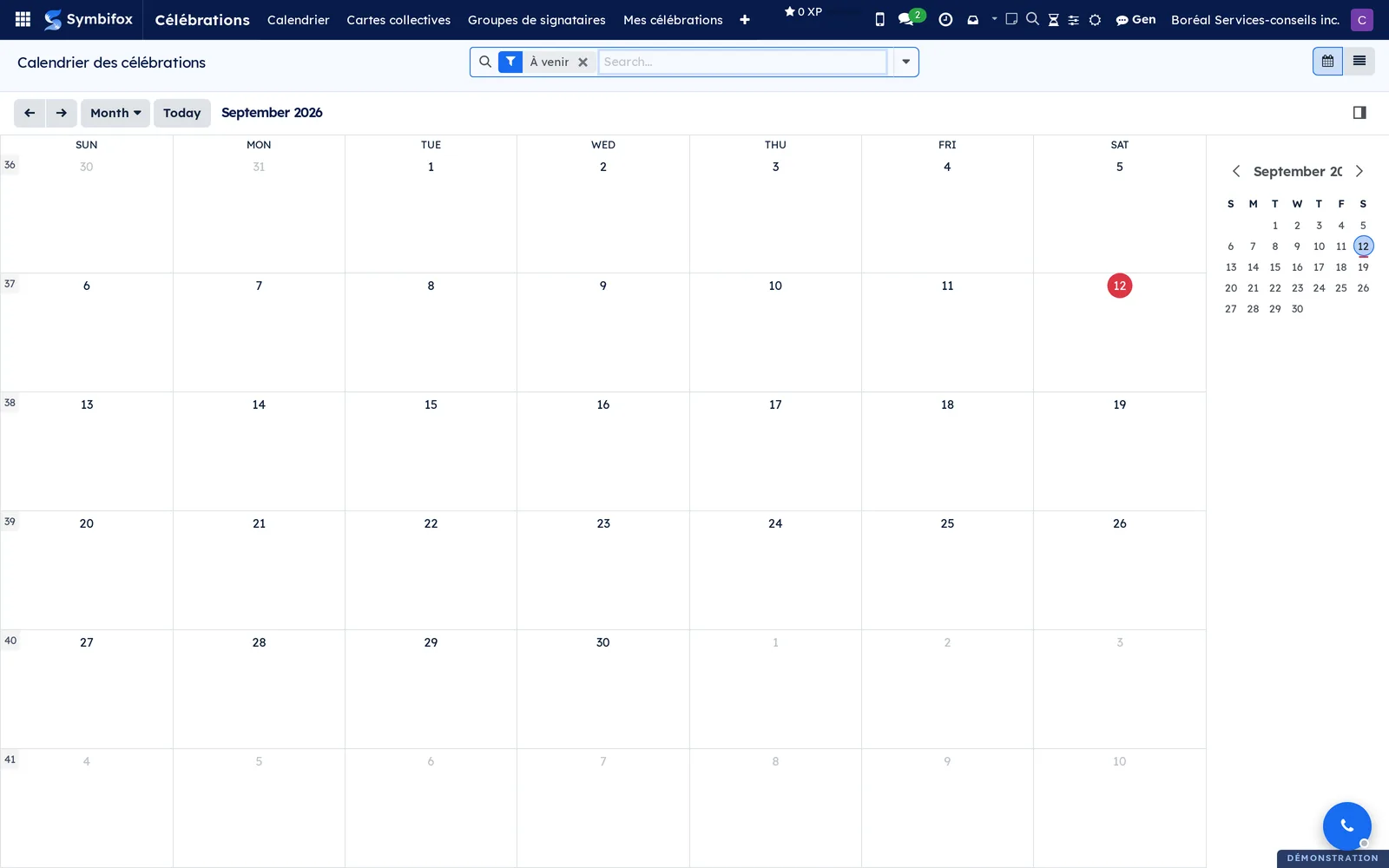
Célébrations › Calendrier: the upcoming occasions, as a calendar, a list or a form, with Créer la carte and Marquer passée on each record. Empty on the demo, with this help text: “Rien au calendrier pour l'instant. Les occasions naissent des réponses que les gens donnent eux-mêmes dans Mes célébrations. Aucune date n'est prise dans le dossier RH. Une promotion, un rétablissement, un départ se créent ici, avec ou sans date.” (Nothing in the calendar yet. Occasions come from the answers people give themselves in Mes célébrations. No date is taken from the HR file. A promotion, a recovery or a departure is created here, with or without a date.)
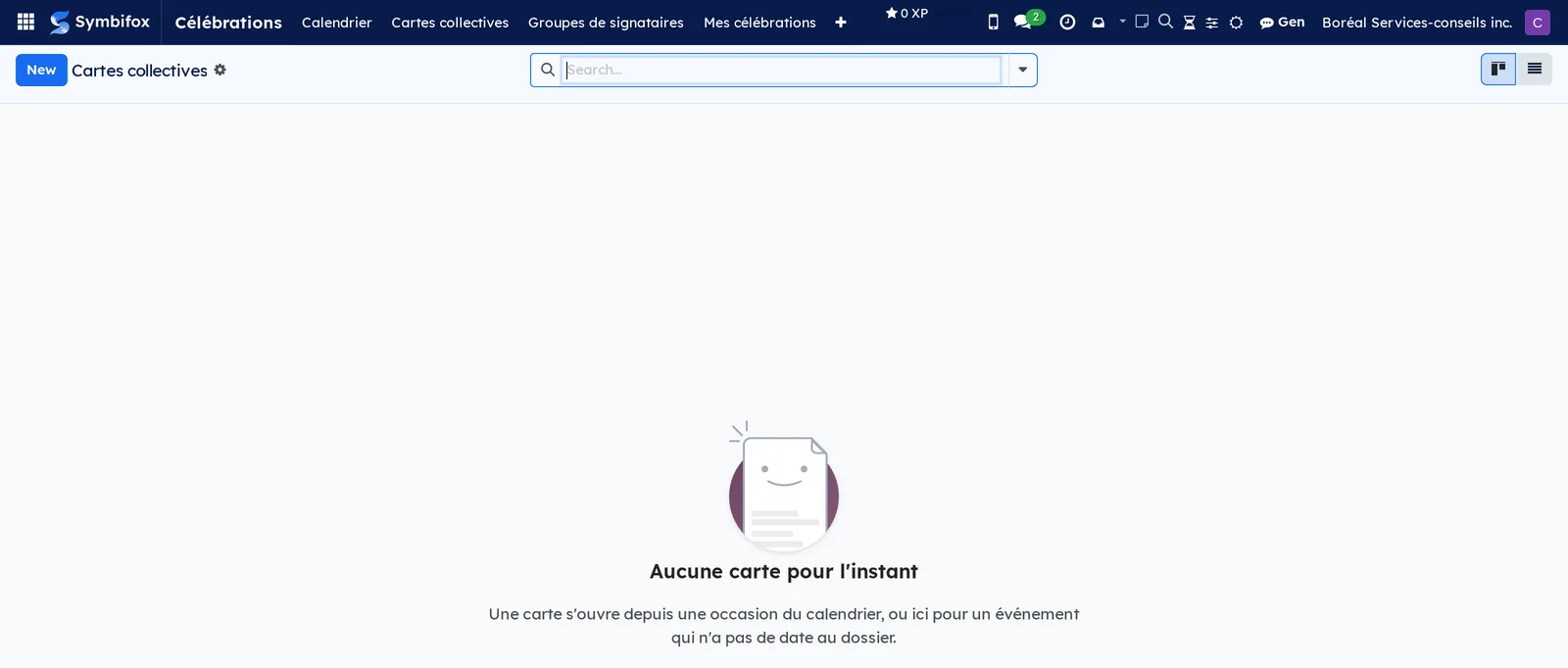
Célébrations › Cartes collectives: the cards, as cards grouped by status, a list or a form. Empty on the demo: “Aucune carte pour l'instant. Une carte s'ouvre depuis une occasion du calendrier, ou ici pour un événement qui n'a pas de date au dossier.” (No card yet. A card opens from an occasion in the calendar, or here for an event with no date on file.)
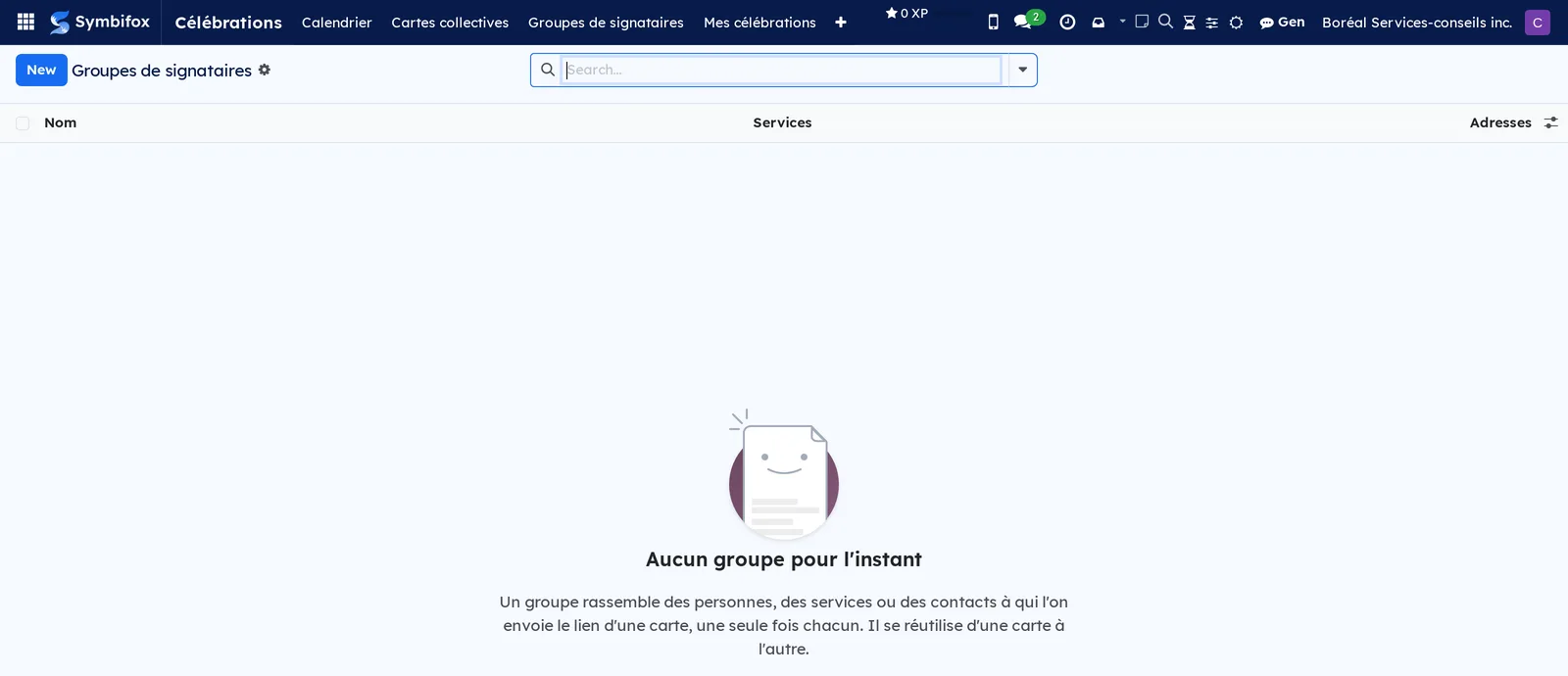
Célébrations › Groupes de signataires: Organiser des cartes group. The reusable groups, as a list and a form. Empty on the demo: “Aucun groupe pour l'instant. Un groupe rassemble des personnes, des services ou des contacts à qui l'on envoie le lien d'une carte, une seule fois chacun. Il se réutilise d'une carte à l'autre.” (No group yet. A group gathers the people, departments or contacts who are sent a card's link, once each. It can be reused from one card to the next.)
Célébrations › Mes célébrations: your celebration profile, opened directly as a form. It is the only profile you will ever see.
Célébrations › Configuration: grouping menu, Configurer les célébrations group.
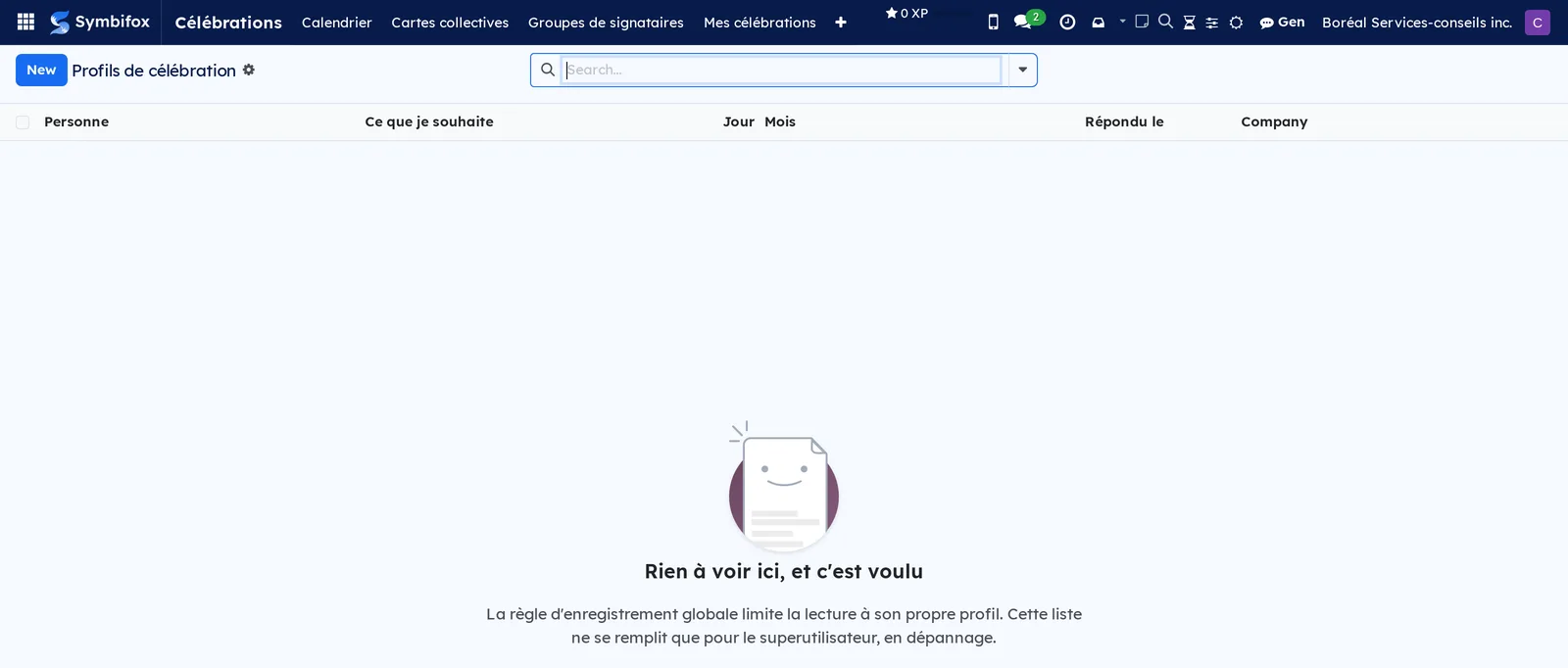
Célébrations › Configuration › Profils (dépannage): administrator only. The list of profiles, which fills up only for the superuser: “Rien à voir ici, et c'est voulu. La règle d'enregistrement globale limite la lecture à son propre profil.” (Nothing to see here, and that is intended. The global record rule limits reading to your own profile.)
Reference#
Fields of the Mes célébrations form#
| Field | Description | Required or default |
|---|---|---|
| Personne (person) | The person the profile describes. | Required, you |
| Ce que je souhaite | Pending, yes with a board, yes but without a board, no thanks. While the answer is pending, nothing is displayed and nobody is asked. | Pending |
| Jour, Mois | The date to mark, without the year. | Empty |
| Souligner aussi mon anniversaire d'embauche | The start date, without the length of service. | Cleared |
| Adresse personnelle où garder mes cartes | Delivered cards are also sent there, as a PDF and a keepsake page. Nobody else sees it. | Empty |
| Répondu le, Invitation envoyée le (answered on, invitation sent on) | Tracking of the answer and of the single invitation. | Computed |
Fields of the Occasion form#
| Field | Description | Required or default |
|---|---|---|
| Type | Birthday, work anniversary and milestones, welcome, farewell, retirement, congratulations, get well, condolences. | Required |
| Intitulé | The title of the occasion. | Computed if empty |
| Date | Empty for an occasion with no date. | Optional |
| Personne soulignée, Contact souligné, Nom | Who is celebrated: a colleague, or a contact outside the organization. | One of the two |
| Nombre d'années | For seniority only; age is never calculated. | Optional |
| Personne qui organise | The person's manager, or the default organizer from the Settings. | Prefilled |
| Tableau permis | Cleared when the person answered “Oui, mais sans tableau”. | Computed |
| Rappel envoyé, Entrée d'agenda, Tableaux de vœux (reminder sent, calendar entry, wish boards) | Tracking of the occasion. | Computed |
Fields of the Tableau de vœux form#
| Field | Description | Required or default |
|---|---|---|
| Titre | The title of the card. | Required |
| Occasion | The originating occasion, if there is one. | Optional |
| Personne fêtée, Contact fêté, Nom affiché, Courriel de livraison | Who the card is addressed to and where it goes. | Depends on the case |
| Personne qui organise | Who runs the card. | Required, you |
| Thème, Image de fond | The look of the page. | Theme required |
| Mot d'introduction | Tab of the same name: what people read when they arrive. | Optional |
| Livraison prévue | Before that moment, the celebrated person sees nothing. | Required, 1 p.m. on the day of the occasion |
| Approuver les messages, Accepter les images | Moderation and media. | Cleared, checked |
| Lien à partager, Code QR, Lien de la personne fêtée (celebrated person's link) | The public link, its QR code, and the link reserved for the celebrated person with their thank-you key. | Computed |
| Groupes de signataires, Autres signataires, Personnes invitées (people invited) | Signataires tab, reserved for organizers. | Optional |
| Mots, Mots visibles, Livré le, Merci reçu le (delivered on, thank-you received on) | Tracking of the card. | Computed |
Fields of the Groupe de signataires form#
| Field | Description | Required or default |
|---|---|---|
| Nom | The name of the group. | Required |
| Personnes, Services, Contacts | Who receives the link; departments are read at sending time. | Optional |
| Adresses | How many addresses will receive the link. | Computed |
| Note | A word about how the group is used. | Optional |
Reports and exports#
The Carte souvenir (keepsake card) is the PDF of the card, printable from the card and attached to the delivery email. The keepsake page, also attached, is a complete page (style sheet, font and images included, with no script and no link back to the system) that opens from a disk ten years later, animated GIFs included. Above 15 MB, the attachment is held back and the chatter says so.
Automations#
- Every day, upcoming occasions are placed up to the configured horizon, from the answers people gave.
- Every day, at the configured delay, the organizer receives the reminder with the button that creates the card (template “Célébrations : rappel à qui organise”, reminder to the organizer).
- Every hour, the cards whose delivery time has come are delivered, except empty cards, which are held back with an activity.
- Every day, a card that is too thin a few days before delivery triggers a reminder (“Célébrations : le tableau est mince”, the board is thin).
- Every day, if the setting calls for it, cards delivered more than N months ago are deleted.
- Every day, if the scheduled action is active, an invitation to answer goes to anyone who has never answered, once only (“Célébrations : invitation à répondre”, invitation to answer).
- When a card opens and at each reminder, the link goes out to the signers (“Célébrations : invitation à signer”, invitation to sign); at delivery, the delivery email goes out; after the thank-you, the message to the signers.
Public pages and portal#
An open card lives at an address of the form /celebration/…, specific to that card: the signing page, the card itself, the slideshow, the PDF, the keepsake page and the QR code are all served there without an account. The thank-you form appears only with the key contained in the link sent to the celebrated person.
Modules that extend this application#
Understanding#
Why ask rather than read the file. The birth date in the employee record includes the year, is readable only by human resources, and is most often empty. The application never reads it: it asks for the day and the month, once, and keeps the answer. That settles privacy and the missing data in a single move.
Four answers, not a checkbox. A checked box cannot tell “never answered” from “said no”. That difference decides whether to ask again next year: nobody who said no is ever asked again.
A refusal that does not show. No count of hidden people, no greyed-out entry, no marker on the employee record, and the profile reading rule applies to organizers, human resources and administrators as well. Otherwise, “why was there no card for X” would stop being a question without an answer.
The surprise is enforced by access rights. A list, an export, a report or the search would get around a simple screen mask; they do not get around a record rule. The celebrated person is also removed from the chatter's followers as soon as the card is created.
Withdrawal takes effect immediately. A “Non merci” deletes the upcoming occasions, removes the calendar entries and cancels the open cards in the same move. Leaving it to the nightly run would let a card go out that very morning.
The reminder is what makes the feature exist. A calendar nobody looks at does not produce cards. The reminder ten days ahead, with its button, is what makes a card happen.
What the groups do not tell you. Signing is open and needs no account, so “who has not signed yet” is not data anyone holds. The chatter receives a count, never names.
Why a file. A card in the database disappears one day with the account, then with the retention policy. The PDF and the keepsake page go out with the delivery, and also to the personal address if the person gave one. A farewell card arrives on the day the work address closes: that is the case it was designed for.
Images stay with you. Photos and GIFs are uploaded; there is no image search at a third party, which would reveal who works here. A hand drawing is kept as coordinates, never as an image, and redrawn in the theme's colour.
The animated opening can be turned off. It plays only once per browser, one action skips it, and it disappears for anyone whose device is set to reduced motion.
What the application refuses to do. No points, no leaderboard of who signs the most (Fox Quest is right there, and it would be easy), no money pool, no video, no per-person analytics.
Troubleshooting#
| Symptom | Likely cause | Fix |
|---|---|---|
| Nobody received an invitation to answer. | The scheduled action “Célébrations : inviter à répondre” ships disabled. | Have the administrator activate it, or invite the team to open Mes célébrations. |
| My date is not in the calendar. | The answer is still pending, or the date is beyond the configured horizon. | Answer “Oui” in Mes célébrations; wait for the daily run. |
| The Créer la carte button is missing on an occasion. | The person answered “Oui, mais sans tableau”. | Nothing to do: it is their choice, and it is not displayed. |
| The card was not delivered on time. | It was empty: a card with no message is held back. | Read the activity you received, gather messages, then select Livrer maintenant. |
| Sending the invitations is refused. | The group exceeds the Plafond d'invitations par envoi. | Split the group and invite in two batches. |
| A colleague who joined the department yesterday did not receive the link. | Departments are read at sending time; the person arrived afterwards. | Select Inviter les signataires: only the new addresses are written to. |
| The celebrated person says they cannot see their card. | It is not delivered yet: that is intended. | Wait for Livraison prévue or deliver now. |
| The delivery email has no attachment. | The files exceed 15 MB. | Read the chatter; the card's link gives access to the PDF and the keepsake page. |
See also#
- Employees: the people and departments that signer groups are made of.
- Contacts: marking a milestone at a client.
- Discuss: the channel where cards are announced.
- Calendar: the optional calendar mirror.
- Email: the recipient groups that the bridge module adds to cards.
- Fox Quest (gamification): what Celebrations deliberately refuses to imitate.